
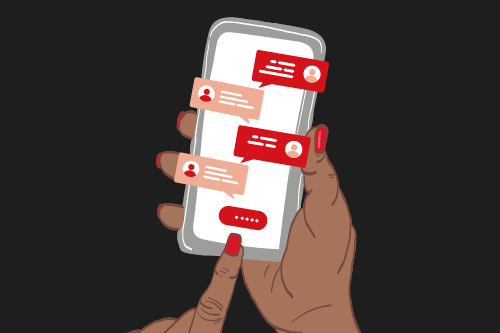
Group chats can be a popular way to stay connected. Here are five key tips to help you stay safe online.
Published Tuesday, 27th October, 2026 in University news
Between your course, your societies and your friends, group chats can be a big part of student life. Here’s what to know about protecting your privacy, setting boundaries and getting help if something doesn’t feel right.
1. Protect your privacy
On social media, anyone can claim to be a student. Don’t share personal information such as your home address, bank details, passwords or sensitive documents in spaces where you don’t personally know and trust everyone. In group chats, anything you send can be screenshotted, saved or forwarded.
2. Check your settings
Who can add you to groups, message you and see your profile? Most apps default to “everyone”. You can change this under Settings → Privacy.
3. Set your boundaries
You can use platform tools to block, restrict or report users at any time. You can also mute or leave group chats for any reason.
4. Watch out for fake accounts and scams
Every year, groups appear on platforms like WhatsApp, Facebook and Discord using City St George’s name and logo. Some are set up to collect personal details or push scams.
Please note: the University does not run Freshers groups or pages on social media. Official events are only listed on the City St George’s website, the Student Hub or Students’ Union website.
5. Treat everyone with respect
As set out in the Student Charter, all students should treat each other with respect as equal and valued members of our community. Bullying, harassment and hate incidents are never acceptable. If you’ve experienced unacceptable behaviour, you can always reach out to Student Support Services.
Where to get support
- Use Report + Support to confidentially report a concern about your own or someone else’s safety and wellbeing.
- Dignity & Respect Advisers offer confidential guidance on bullying, harassment and sexual misconduct. You can also contact them if you’re worried about something you’ve said or posted.
- If you’re unsure where to go, Clerkenwell and Moorgate students can contact the Student Support teams via Support@City, who can connect you with the right support. Tooting students can email the Student Support Hub.
For more safety tips, visit Stay City Safe.